My Apple 30-pin Cable Journey
June 6, 2026
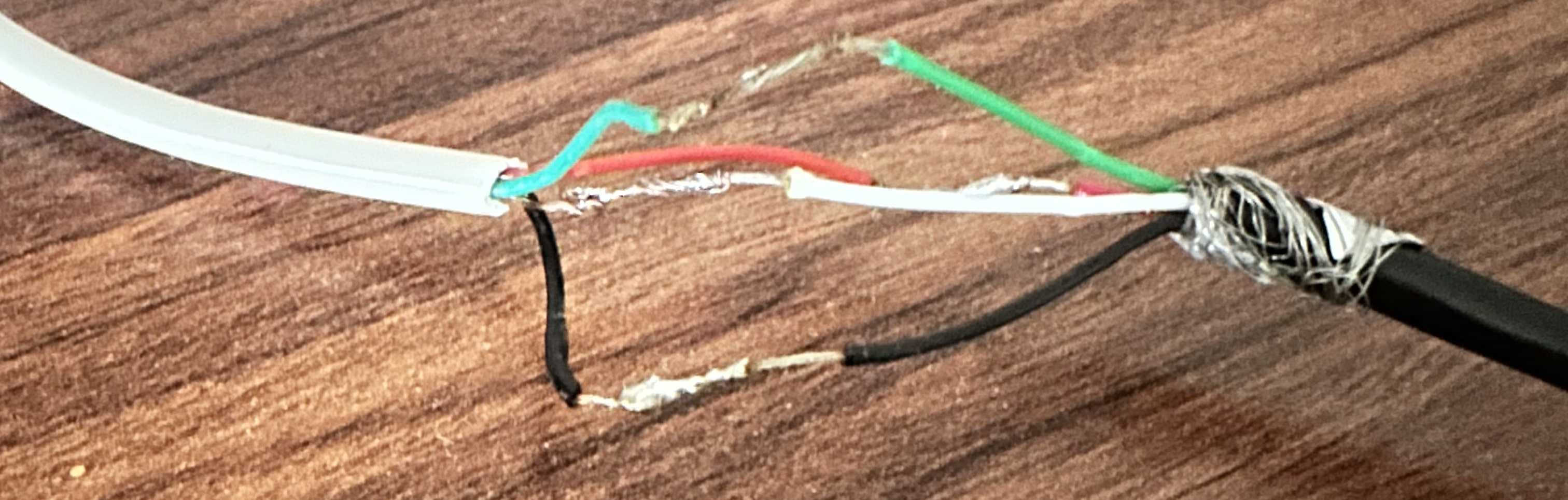
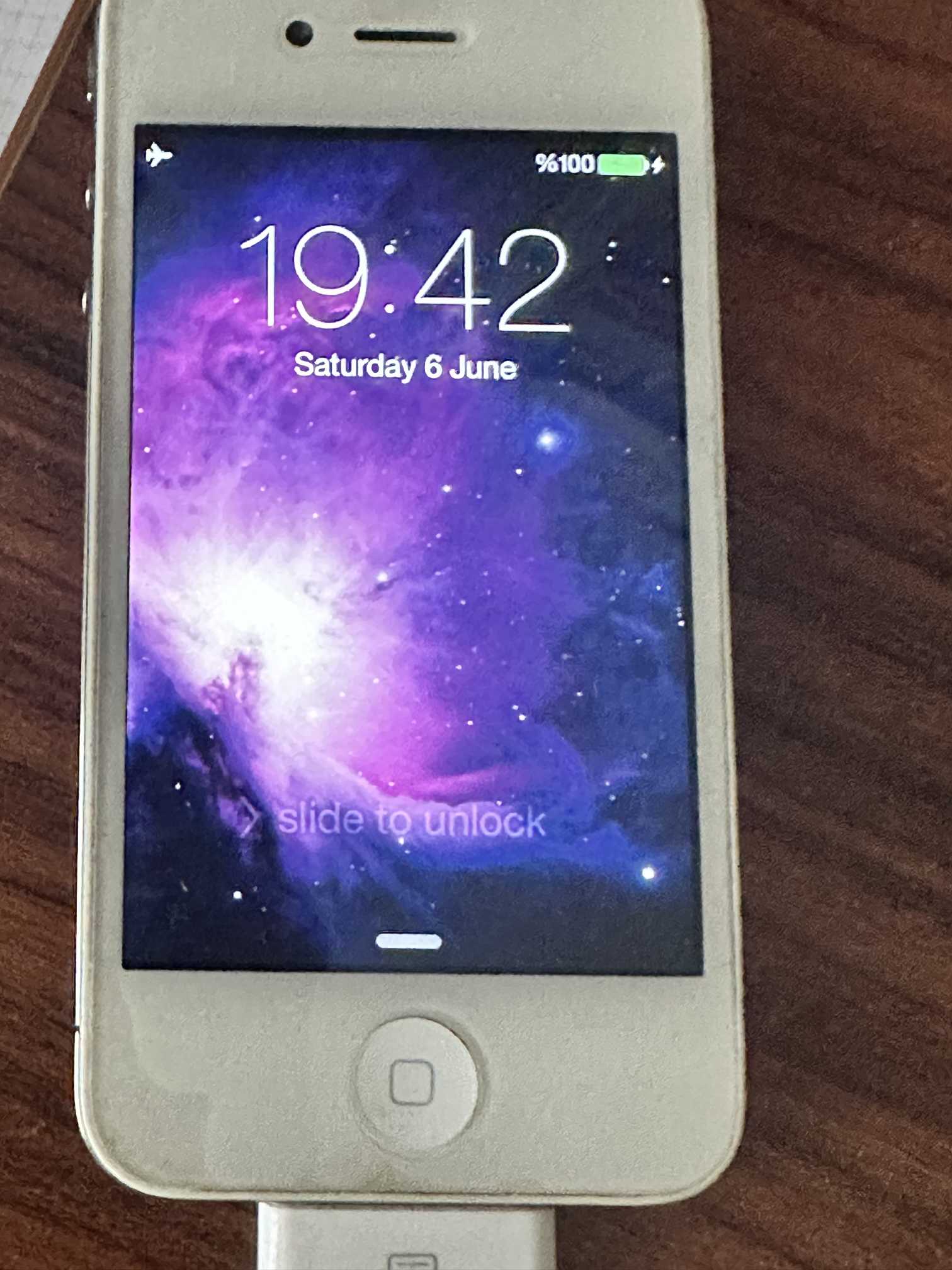
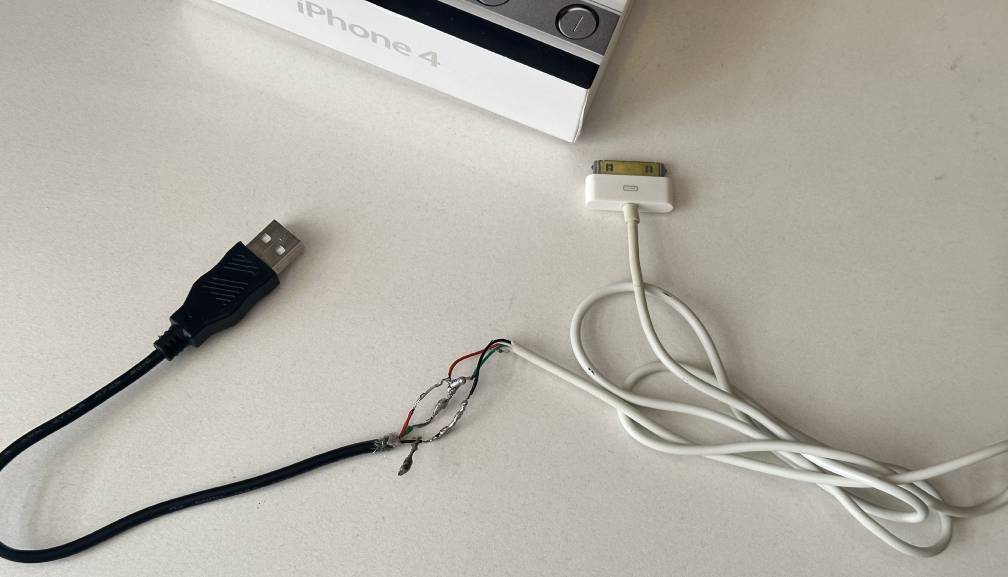
When I first got my hands on a hand-me-down iPhone 4, there was just one catch, the original 30-pin cable was completely dead on the USB-A side. Not wanting to let a perfectly good piece of retro tech sit in a drawer, I dug out my soldering iron and created a DIY cable.
Of course it wasn't pretty, but it worked flawlessly. I successfully restored and even jailbroken the iPhone 4 several times using this incredibly sketchy cable. It served me faithfully until last week, when it finally gave up.
Instead of being annoyed, I saw the cable's demise as the perfect excuse to upgrade. I had plans of modernizing the setup with a USB-C or micro USB charger mod. How hard could it be, right?
First off, I had to find a proper donor connector. I dove into my scrap electronics box and began my search.
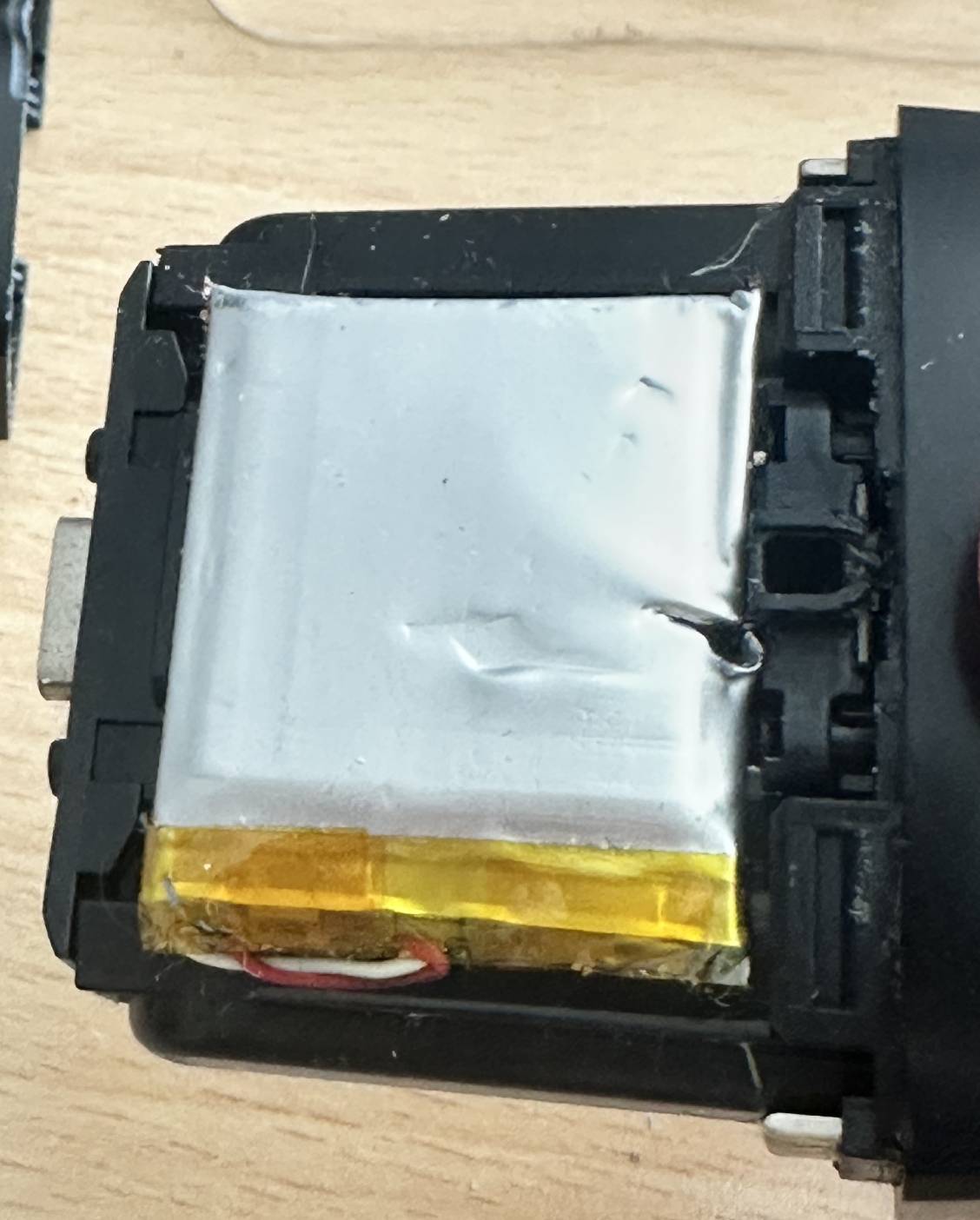
I discovered an old Taotronics SoundLiberty 92 charging case (it went to the scrapyard when one of the earbuds died, but it had a working USB-C port). I thought this was the perfect candidate for my mod, until the “little” oopsie I made while trying to extract the motherboard.
Failing the USB-C attempt, I decided to go with an old TomTom motherboard’s Mini USB port.
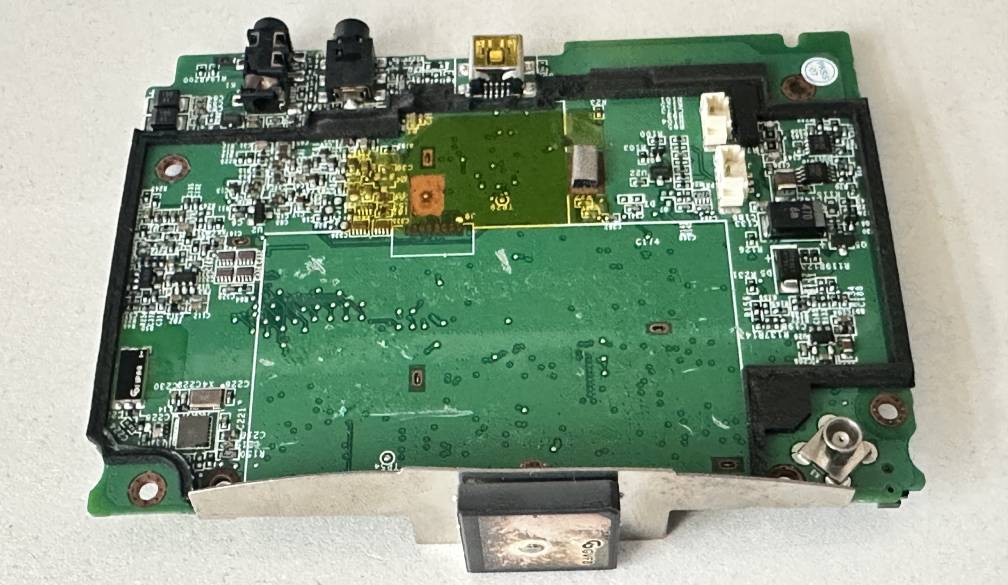
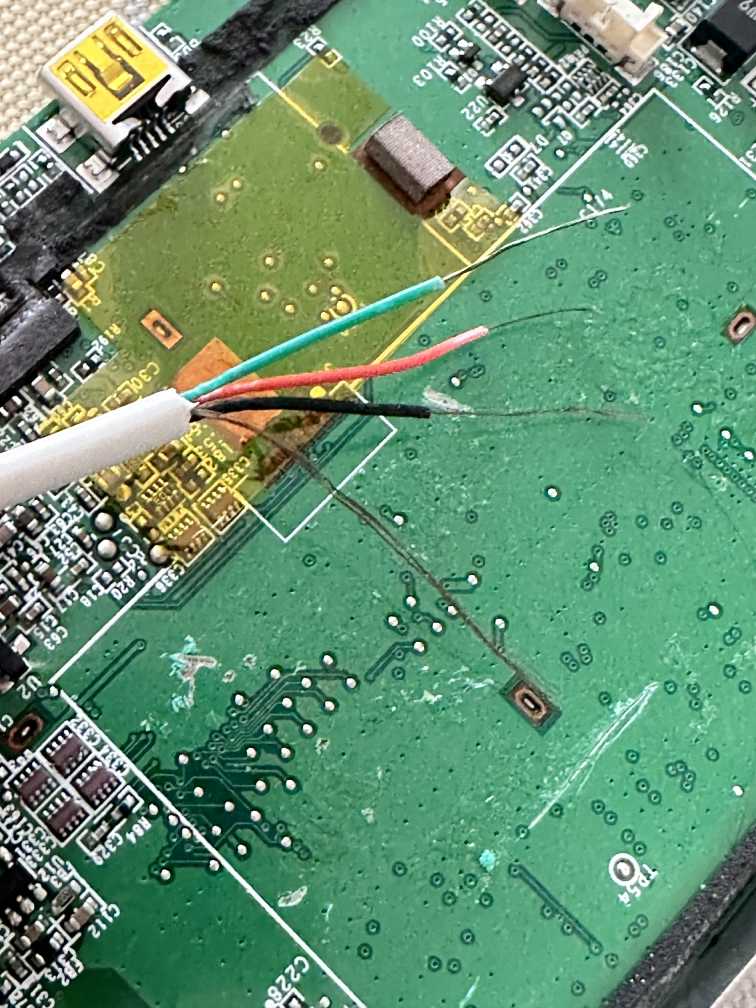
This time, I failed even more miserably. I completely destroyed the pins thanks to my poor (micro) soldering skills.
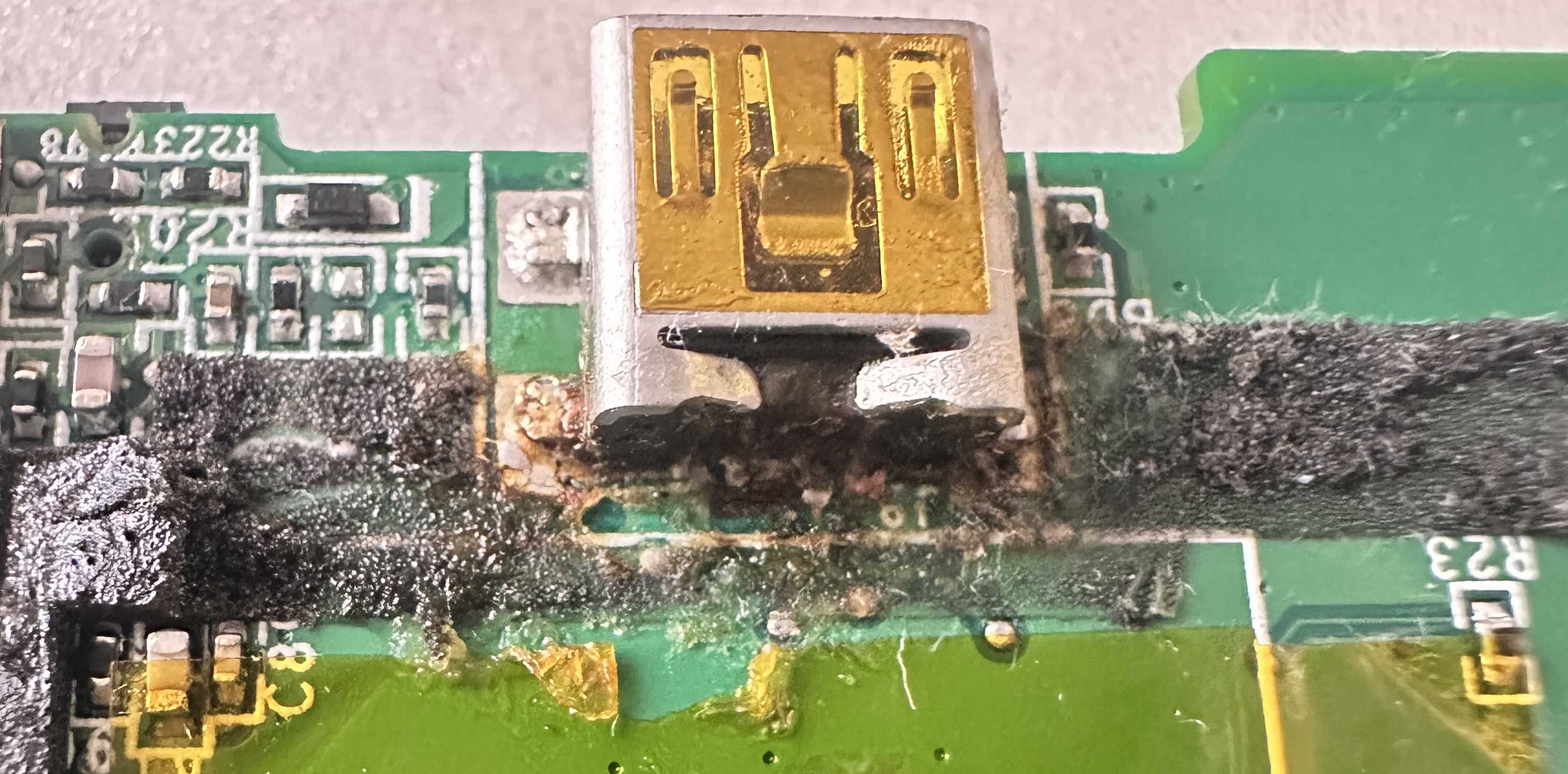
Sitting among the wreckage, I thought to myself:
Why don’t I just redo the previous sketchy solder job and call it a day?
And so, I did exactly that.
I fired up the iron, repeated my original fix, and it worked like a charm. I can now happily use my iPhone 4 again! No USB-C, no micro USB, just the same old DIY magic.